
A billboard can earn thousands of looks in a single day, but only if the finished artwork performs the way it should at full scale. Billboard artwork file requirements are not just technical details for the production team. They protect the clarity, color, and impact of the message your audience sees from the road.
For a local business, regional brand, or agency campaign, getting the file right early prevents costly revisions and keeps your placement schedule moving. The goal is simple: provide production-ready artwork that looks sharp, reads fast, and represents your brand at its best.
Start With the Exact Billboard Specifications
There is no single universal billboard file size. A digital display, a traditional vinyl bulletin, and a smaller poster panel each have different dimensions, production methods, and technical standards. Before your designer opens a file, confirm the exact specifications for the location and format you have purchased.
That information should include the finished dimensions, file scale, required resolution, color mode, bleed, safe area, accepted file format, and submission deadline. It may also include special instructions for extensions, cutouts, wallscapes, or digital creative rotations.
Building a design to a generic billboard size is risky. Even a strong concept can lose critical copy, appear soft, or require last-minute resizing if it was not created for the specific display. A coordinated outdoor partner can provide the specifications before design begins, so the creative team works from the right foundation.
Work at Full Scale or an Approved Scale
Billboards are large, but design files do not always need to be built at full physical size. Many print files are created at a reduced scale, such as 1:10, to make them easier to manage. If the final board is 140 feet wide, for example, the working file may be 14 feet wide.
The key is accuracy. Every element, including logos, photos, fonts, bleed, and safe areas, must scale proportionally. Never choose a reduced scale without confirming it with the production team. A file built at the wrong scale can create unexpected resolution problems and delay installation.
Use Resolution That Matches the Print Method
A billboard viewed from a moving vehicle does not need the same resolution as a brochure held in someone’s hand. For large-format print, a lower resolution at final size is often appropriate because the viewing distance is much greater.
Required resolution depends on the sign type, image dimensions, file scale, and printer. In many cases, artwork may be supplied at roughly 10 to 30 DPI at final size, but the approved specification always takes priority. Sending a 72 DPI web image or stretching a small photo to fill a board is a common mistake. It may look acceptable on a laptop screen and still appear pixelated when printed at billboard scale.
Use high-quality original photography, vector logos, and professionally prepared graphic assets whenever possible. If an image source is questionable, test it before finalizing the layout.
Choose the Right Color Mode
Traditional printed billboards generally require CMYK color files. Digital billboards generally require RGB files because the display produces light rather than printing ink. Sending the wrong color mode can change how brand colors, gradients, and dark areas appear in the finished ad.
Bright colors deserve extra attention. A fluorescent-looking green on screen may print differently, while a deep black background on a digital board can display with more brightness or contrast than expected. If a precise brand color is essential, discuss it with the production and design teams before files are finalized.
Best File Formats for Billboard Artwork
A print-ready PDF is commonly preferred for static billboard production because it can preserve vector artwork, embedded images, and layout settings. High-resolution TIFF files may also be accepted for image-heavy creative. Formats such as AI, EPS, or PSD can be useful working files, but they are not always ideal as final submissions unless specifically requested.
For digital displays, requirements are usually based on pixel dimensions rather than physical print dimensions. A high-quality JPG or PNG is often used for static digital creative, while some networks accept video files for animated units. Digital formats can vary significantly by screen, so confirm pixel size, maximum file size, frame rate, duration, and animation rules before producing the final asset.
Avoid submitting screenshots, presentation files, Word documents, or compressed images pulled from a website. These files rarely have the quality or control needed for a professional outdoor campaign.
Design With Bleed and Safe Areas in Mind
The most important information in your ad should stay inside the safe area. This is the protected portion of the design where logos, phone numbers, offers, and key copy are least likely to be affected by trimming, framing, structural elements, or display edges.
Bleed is the extra image area that extends beyond the finished edge of a printed board. It gives installers and printers room to trim the material cleanly without leaving unintended white edges. A background image can run into the bleed area, but critical messaging should not.
Digital boards may not need print bleed, but they still benefit from safe margins. Placing copy too close to the edge can make it harder to read, especially when drivers see the display at an angle or when the screen has a visible frame.
Billboard Artwork Requirements Also Include Readability
Technical file quality matters, but billboard advertising succeeds or fails on whether people understand the message in seconds. A clean, high-resolution file cannot rescue an overcrowded design.
Keep the hierarchy direct: one primary message, a clear brand identifier, and one next step when it supports the campaign. Large type, strong contrast, and a simple visual idea usually outperform dense paragraphs, fine print, or a long list of services.
Think about the real viewing environment. Central Florida drivers may see your message while navigating traffic, watching for exits, or traveling at highway speed. The ad has to communicate quickly from a distance. If the message needs ten seconds of reading, it is probably trying to do too much.
Phone numbers, websites, and QR codes require judgment. A memorable web address may work well, but a tiny QR code is often impractical for a moving audience. For many campaigns, the billboard’s best job is creating recall, then letting search, social media, radio, or other marketing channels handle the next interaction.
Static and Digital Billboard Files Are Not Interchangeable
A strong campaign can run across both static and digital inventory, but the artwork should be adapted for each medium. Static boards offer continuous visibility and can support a clean, persistent brand statement. Digital boards rotate among advertisers and need an especially immediate message that is legible during a shorter display interval.
Digital creative should avoid small text, intricate patterns, and rapid animation that can distract from the main message. Motion is not automatically better. A subtle transition may add energy, but the viewer should understand the ad even if they only see one moment of it.
Static print creative also needs practical production consideration. Large areas of solid color, photographic detail, and fine lines can reproduce differently at scale. Reviewing a proof and working with an experienced outdoor design team helps protect the final result.
Run a Preflight Check Before Submission
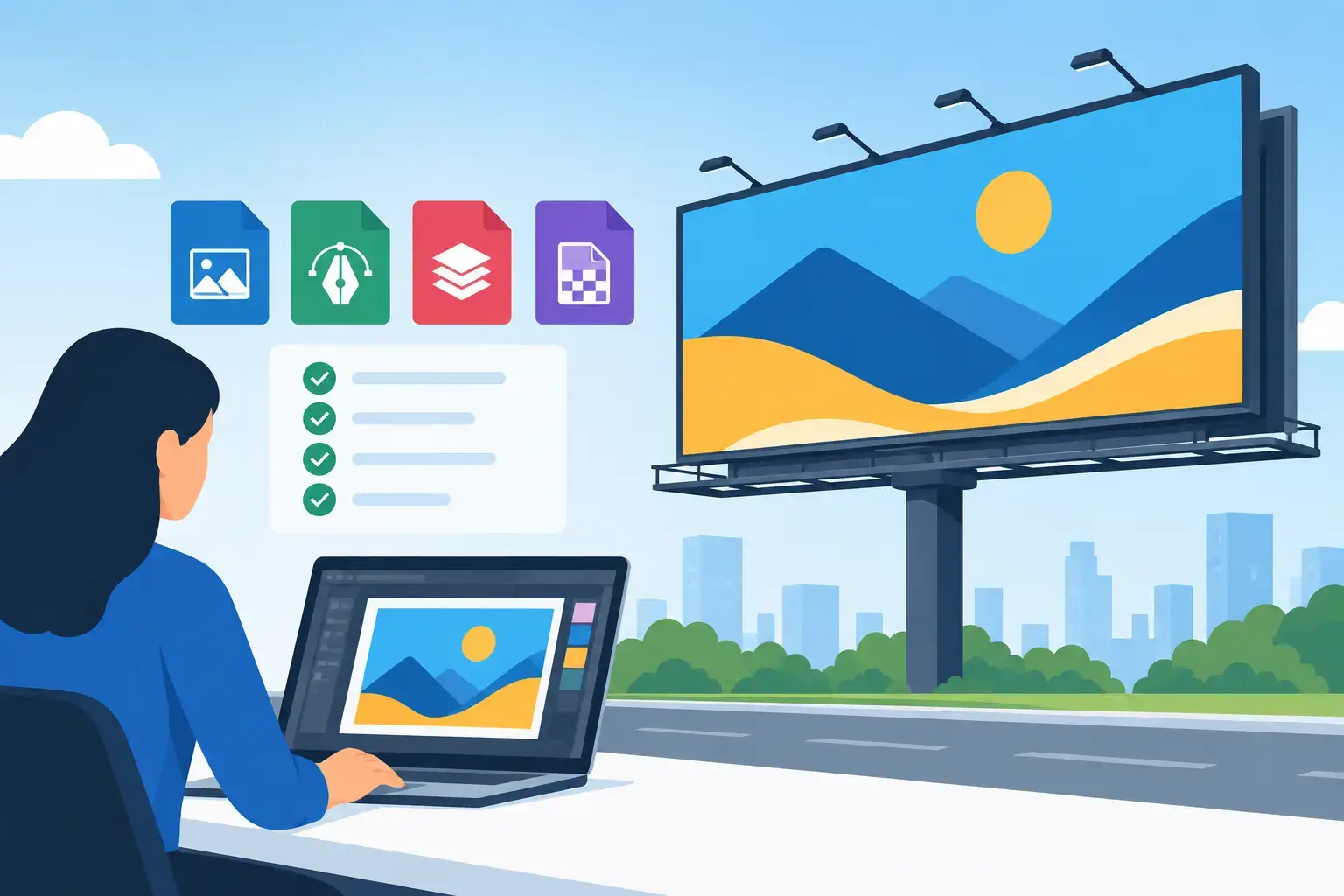
Before sending artwork, take a final look at the file from both a technical and marketing perspective. A short preflight check can prevent avoidable production issues:
- Confirm the file uses the exact dimensions or approved scale for the selected location.
- Verify resolution, color mode, bleed, and safe-area requirements.
- Make sure all fonts are outlined or embedded, and all images are properly linked or embedded.
- Review spelling, legal language, offer dates, phone numbers, and website addresses.
- View the design at a reduced size to test whether the main message is still easy to understand quickly.
This final review is especially valuable when multiple stakeholders have edited the creative. A single outdated offer date or misplaced logo can undermine an otherwise effective campaign.
Get Production Support Before Small Problems Become Big Ones
Billboard production involves more than uploading a file. The best results come from aligning creative, location, material, printing or display technology, and installation timing. If your internal team has campaign-ready assets but needs help preparing them for outdoor, a knowledgeable partner can manage the technical details without losing the intent of the design.
Orlando Outdoor works with businesses and agencies to move from campaign idea to finished display, including creative support, production coordination, and placement throughout Central Florida. That full-service approach helps keep the focus where it belongs: creating advertising that gets noticed and remembered.
The right file is not merely a requirement to check off. It is the final step that turns a good idea into a clear, confident message people can recognize long after they pass the sign.